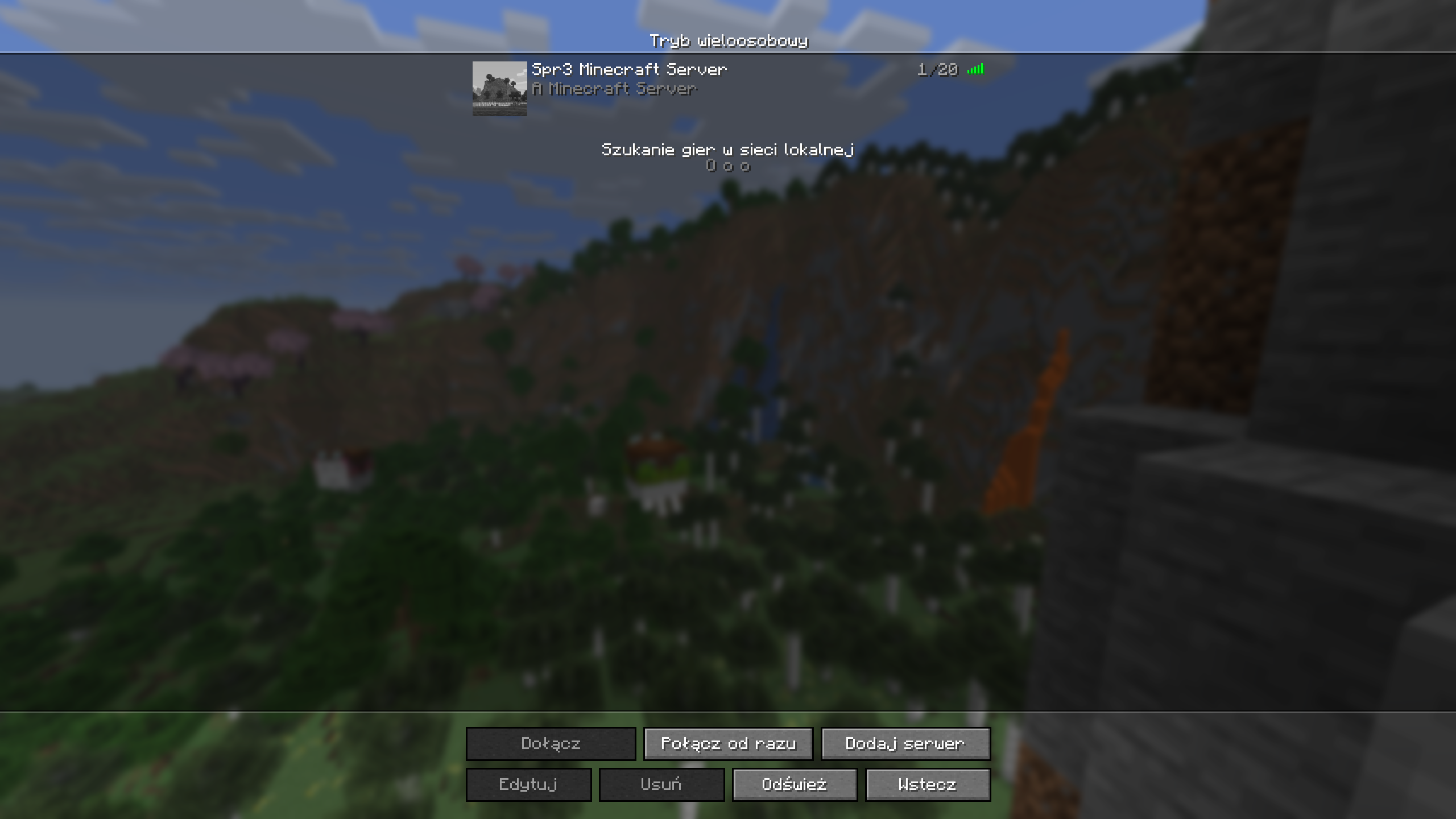
Spr3 Minecraft Server
Welcome to the server! Get ready to build and explore.
Server Addresses
☕ Java Edition
Click to copy the address for your Java client.
minecraft.spr3.fun:25565
🛏️ Bedrock Edition
Click to copy the address for your Bedrock client.
minecraft.spr3.fun:19132
How to Connect
1. Open your Minecraft client and click on the Multiplayer button.
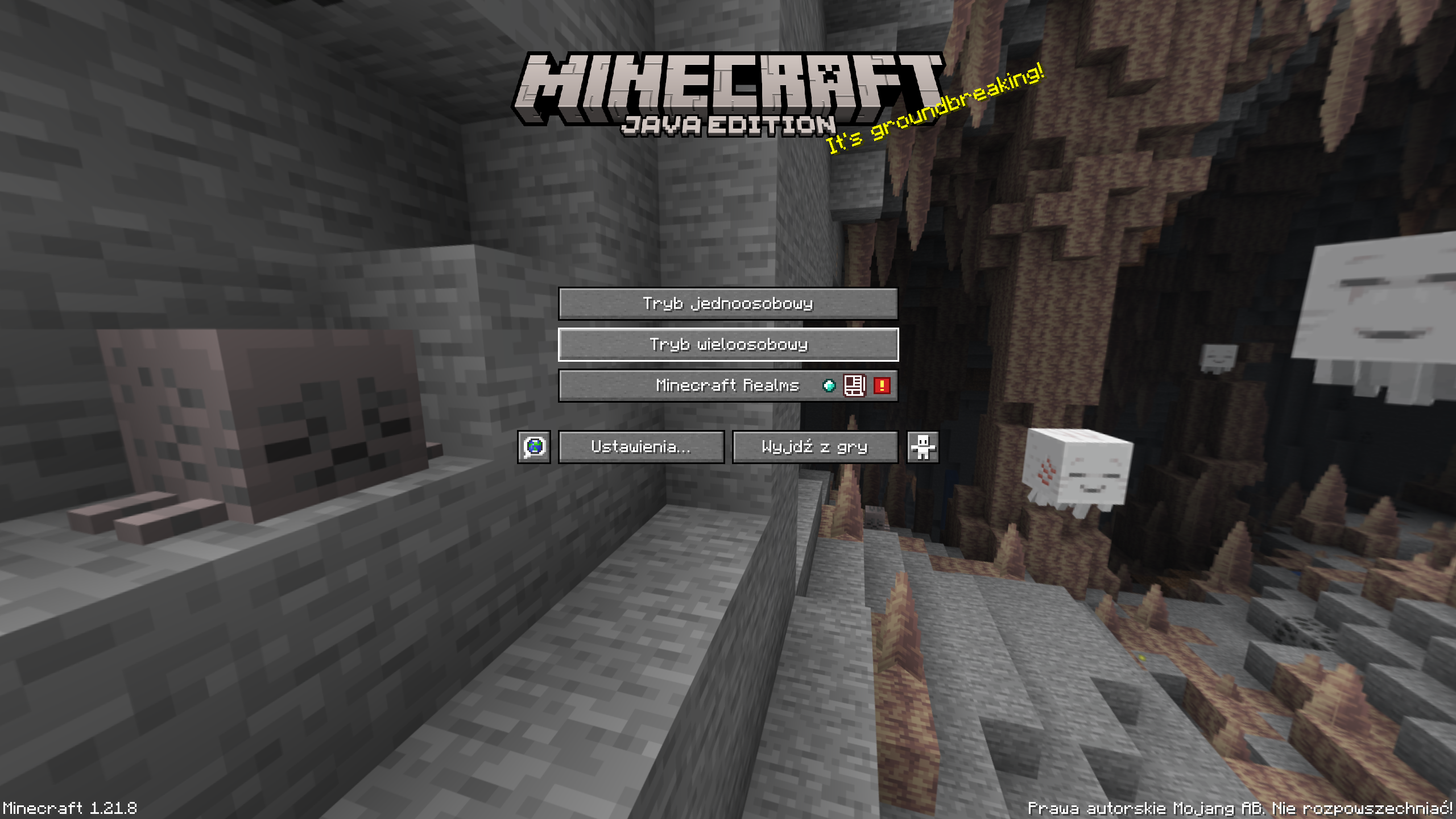
2. Select Add Server to add a new server to your list.
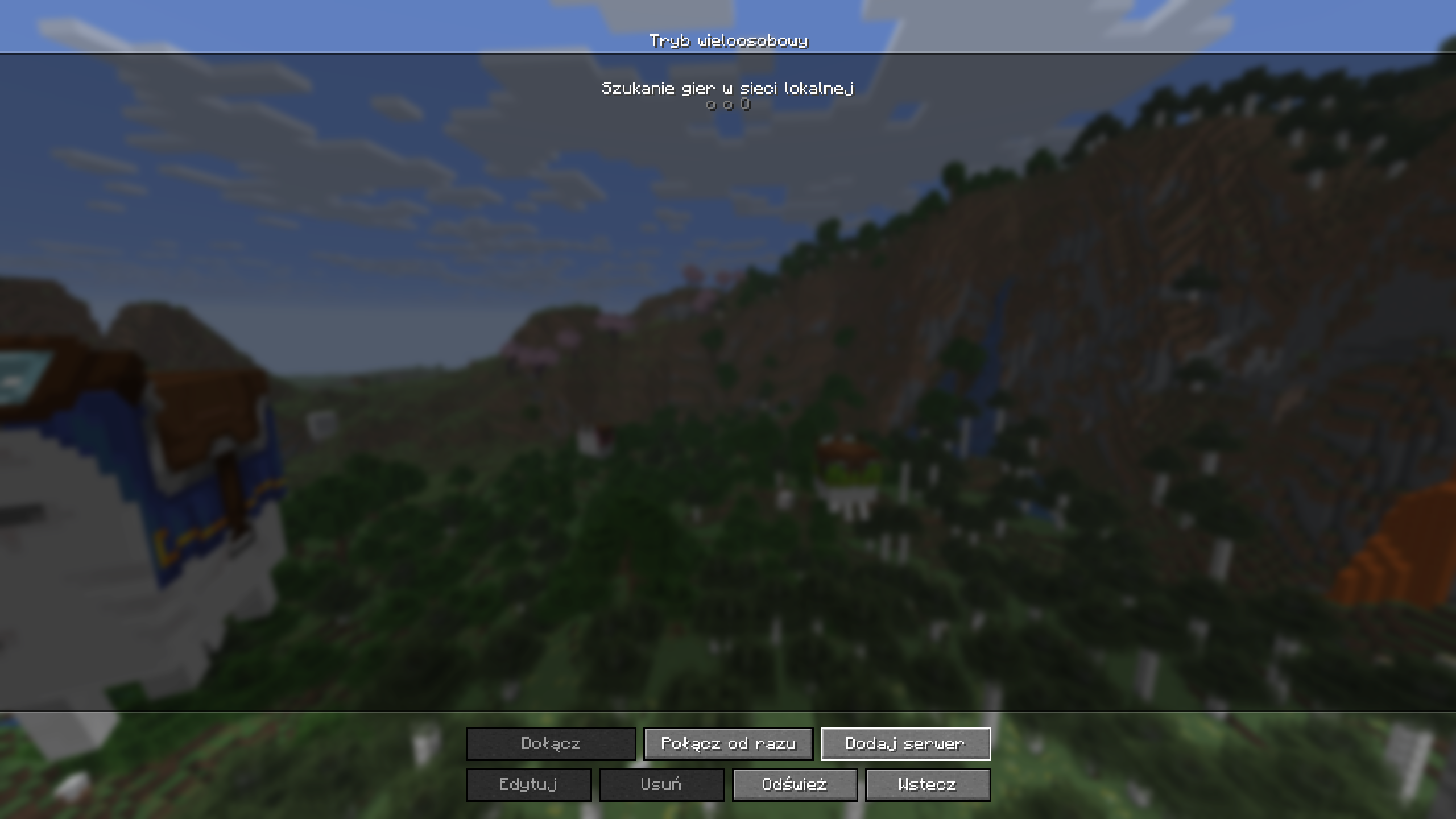
3. Enter the server name and the address for your client's edition.
For Java, use minecraft.spr3.fun:25565.
For Bedrock, use minecraft.spr3.fun:19132.
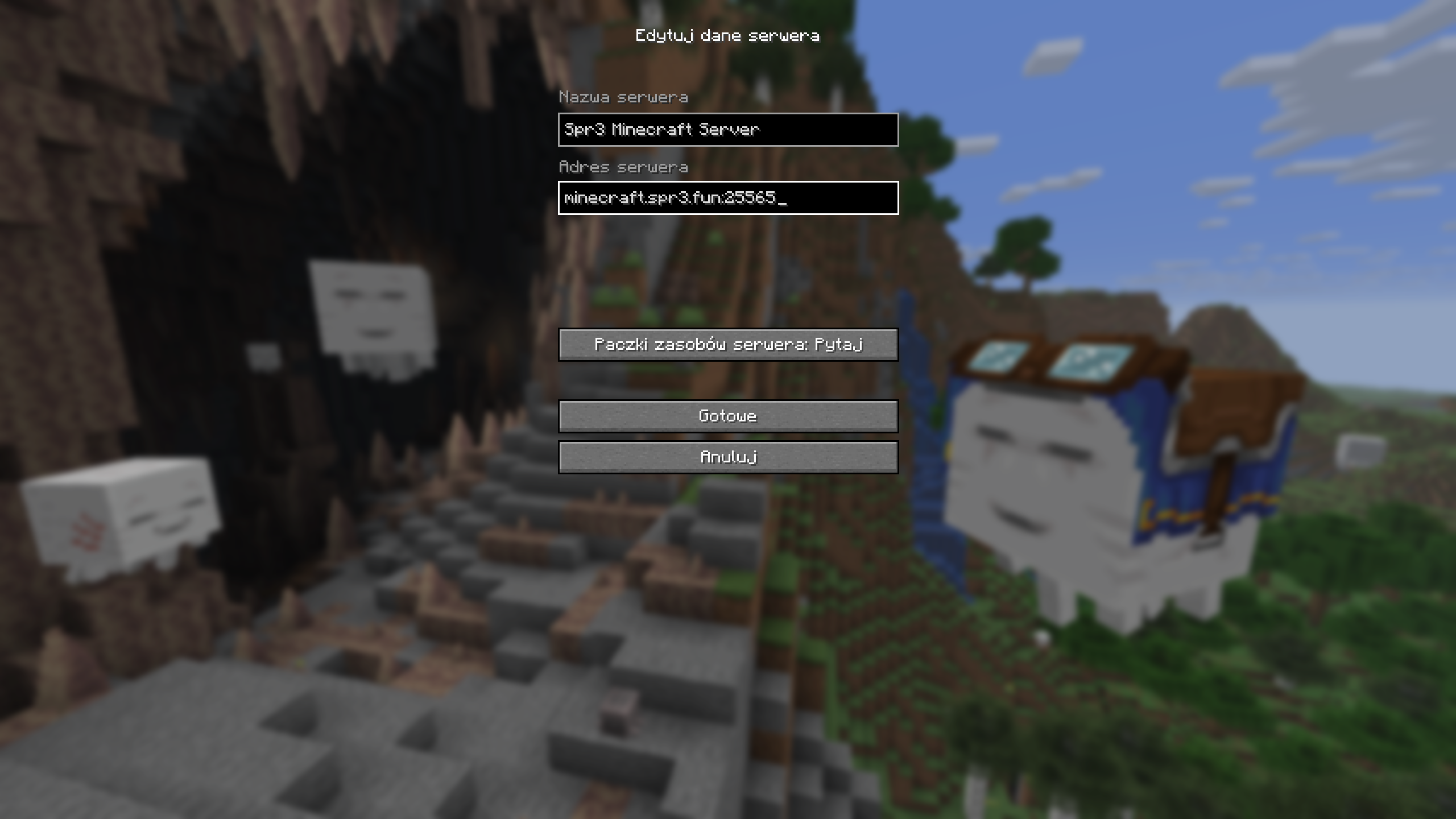
4. Click Done to save the server. The server should now appear in your list. Double-click it to join!